
GPS scanning
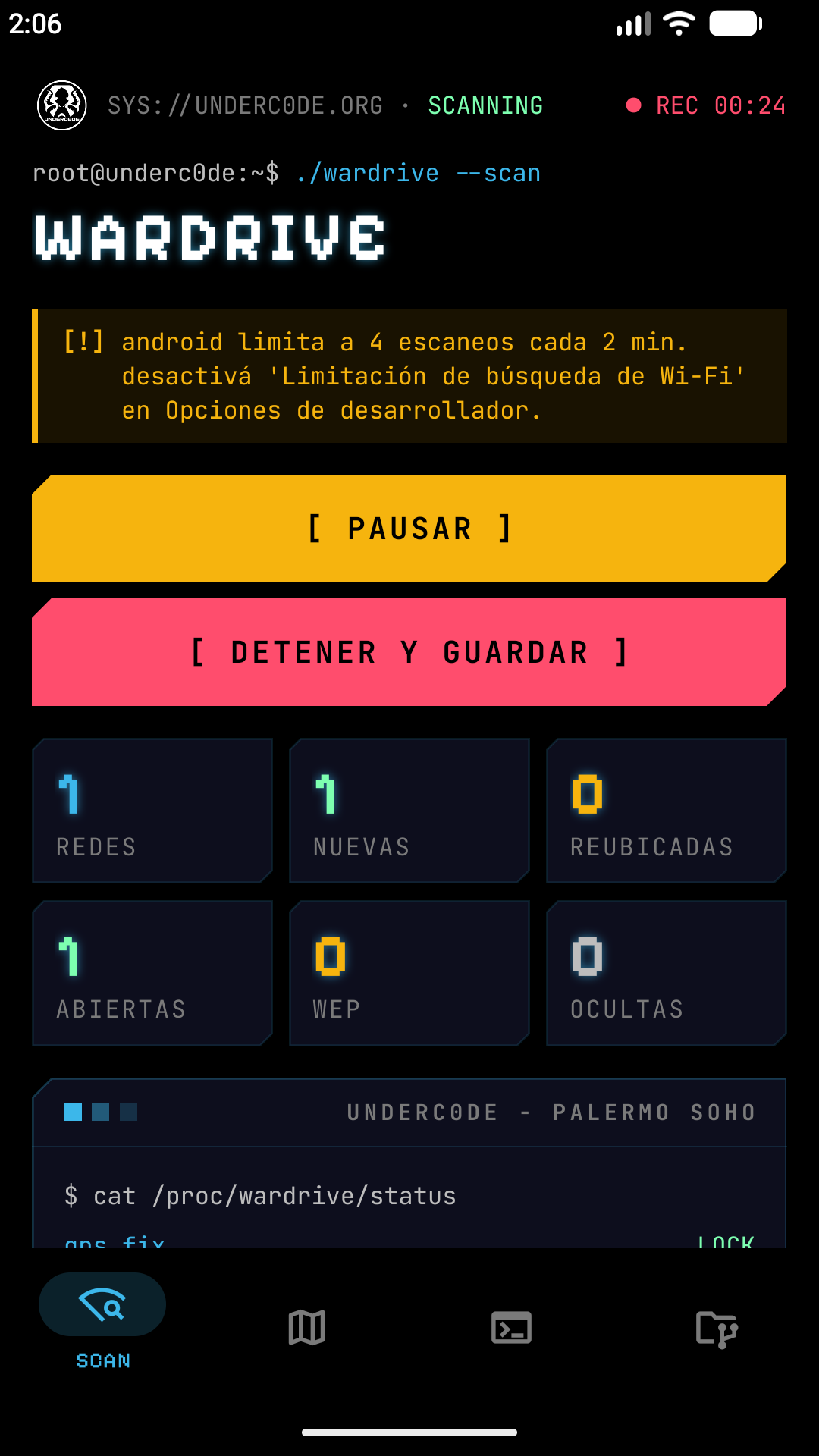
Detects nearby networks with all their technical data and places them on the map, with a live log of every new network.
root@underc0de:~$ ./wardrive --scan
The Underc0de community’s wardriving tool. Scan Wi-Fi networks with GPS, see them on a dark map colored by security, export to KML and merge your captures with other people’s.
ls features/
Made for coverage surveys, authorized audits, research and learning.
Detects nearby networks with all their technical data and places them on the map, with a live log of every new network.
Each network is placed where the signal was strongest, and moved if a later reading beats it.
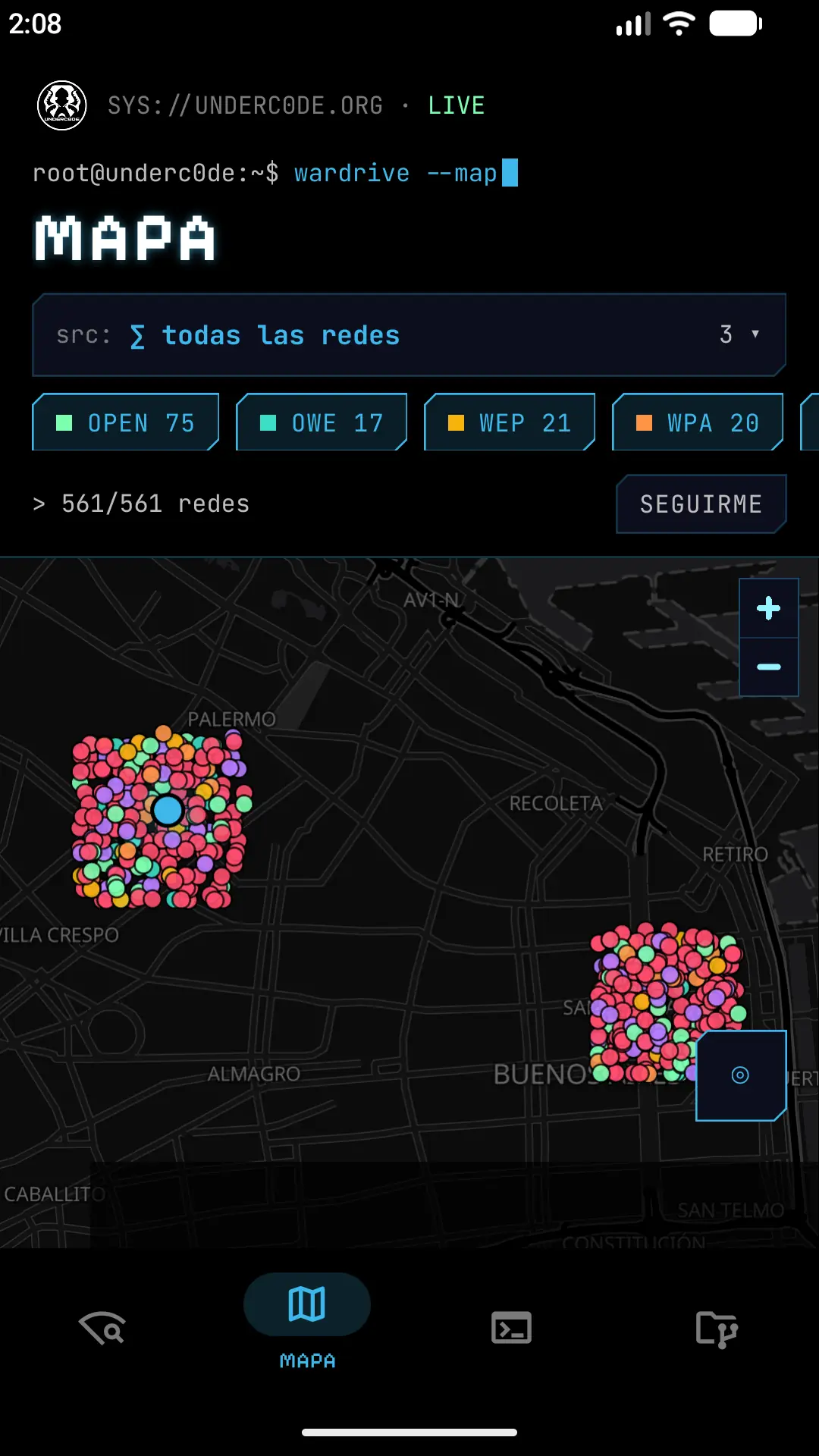
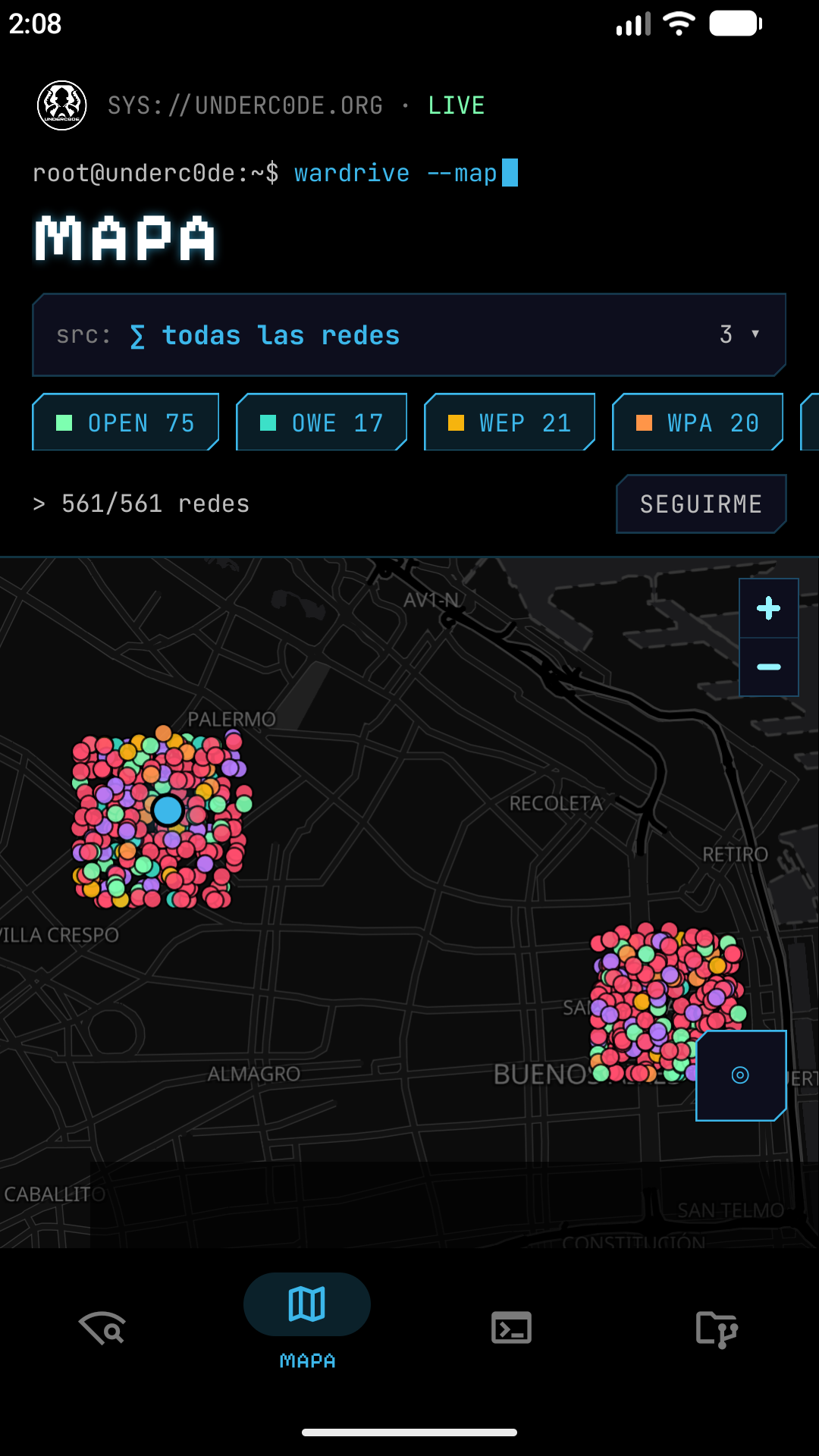
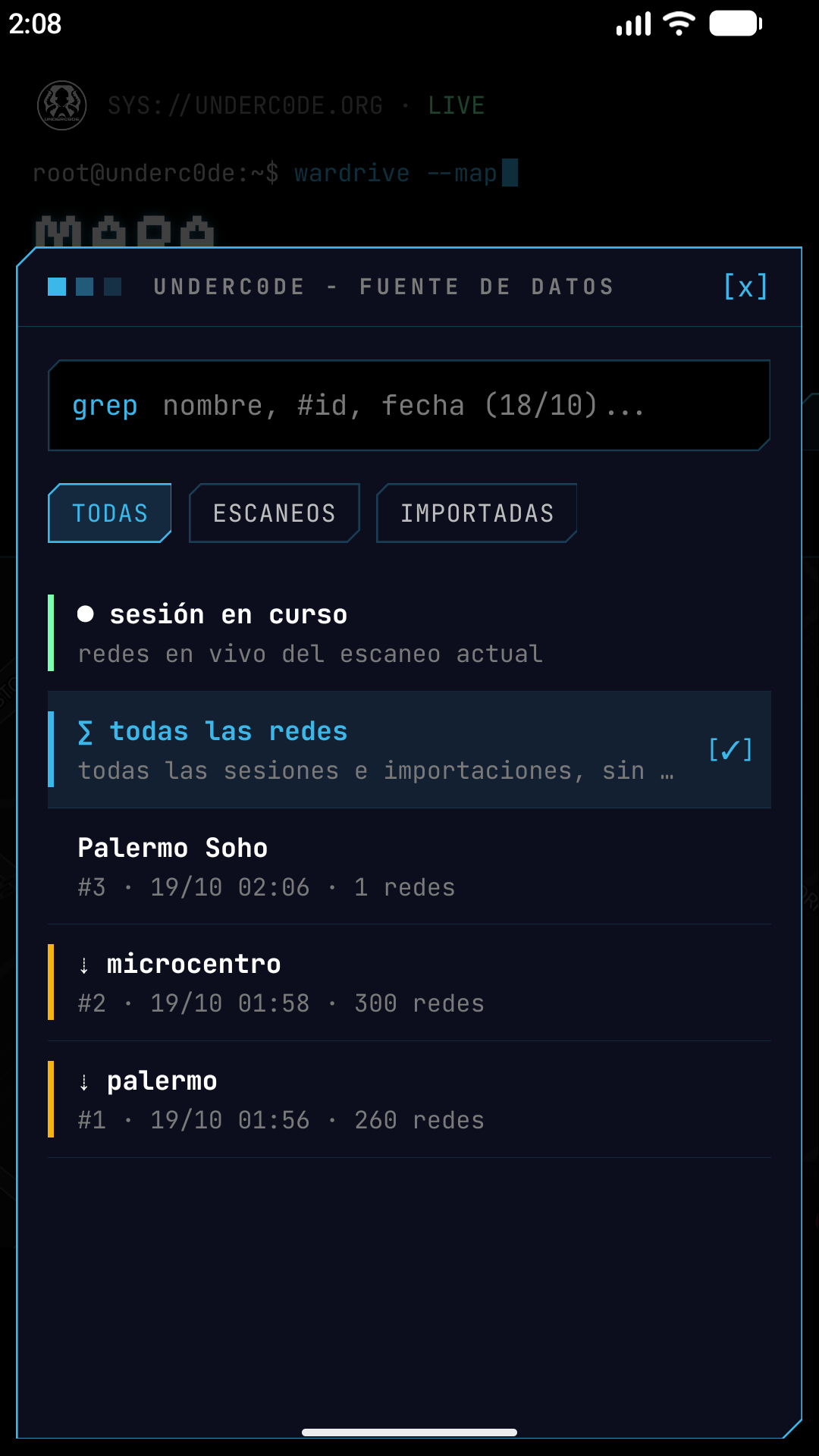
Networks colored by security type, with filters by session or encryption and search by name or BSSID.
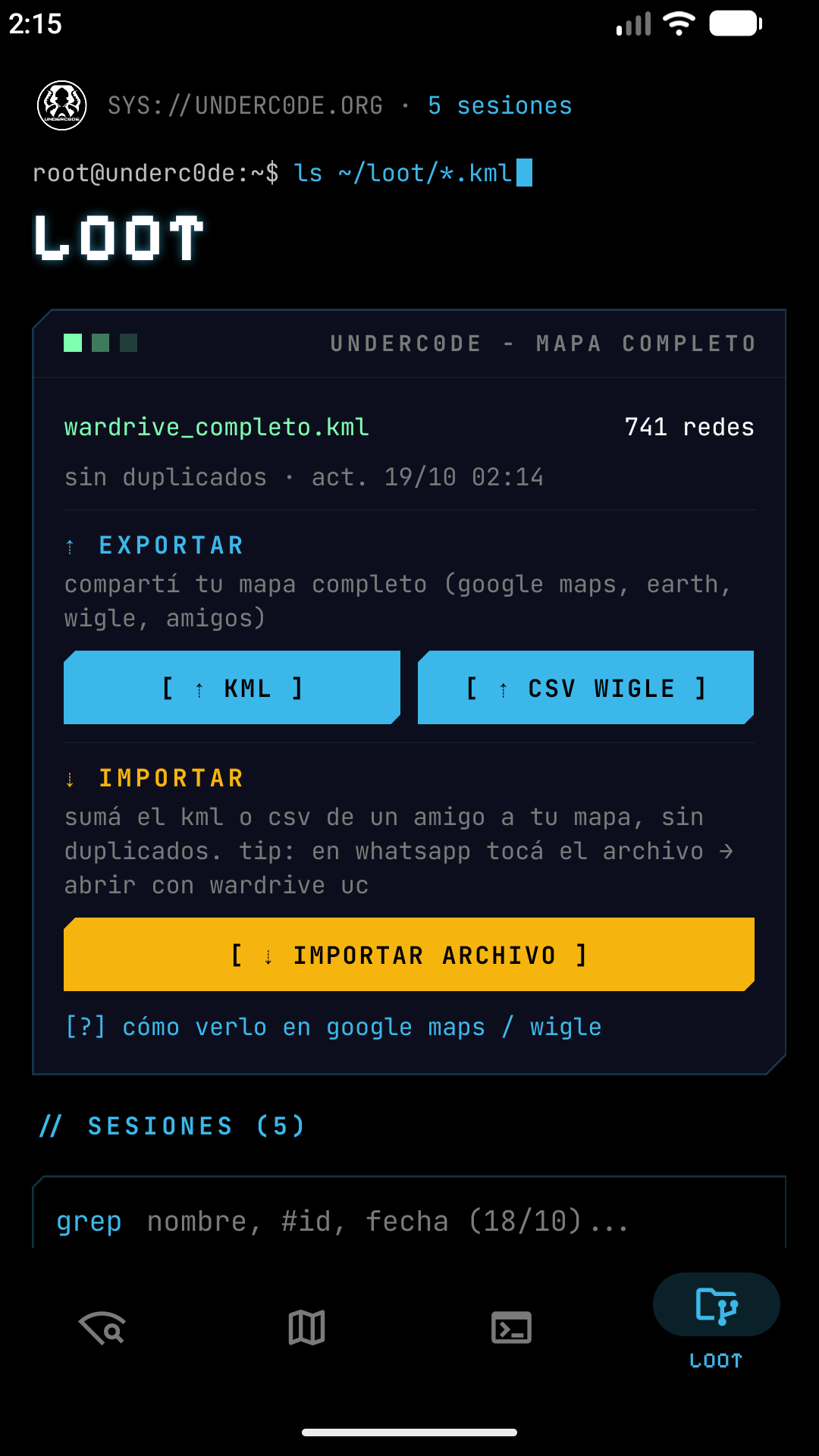
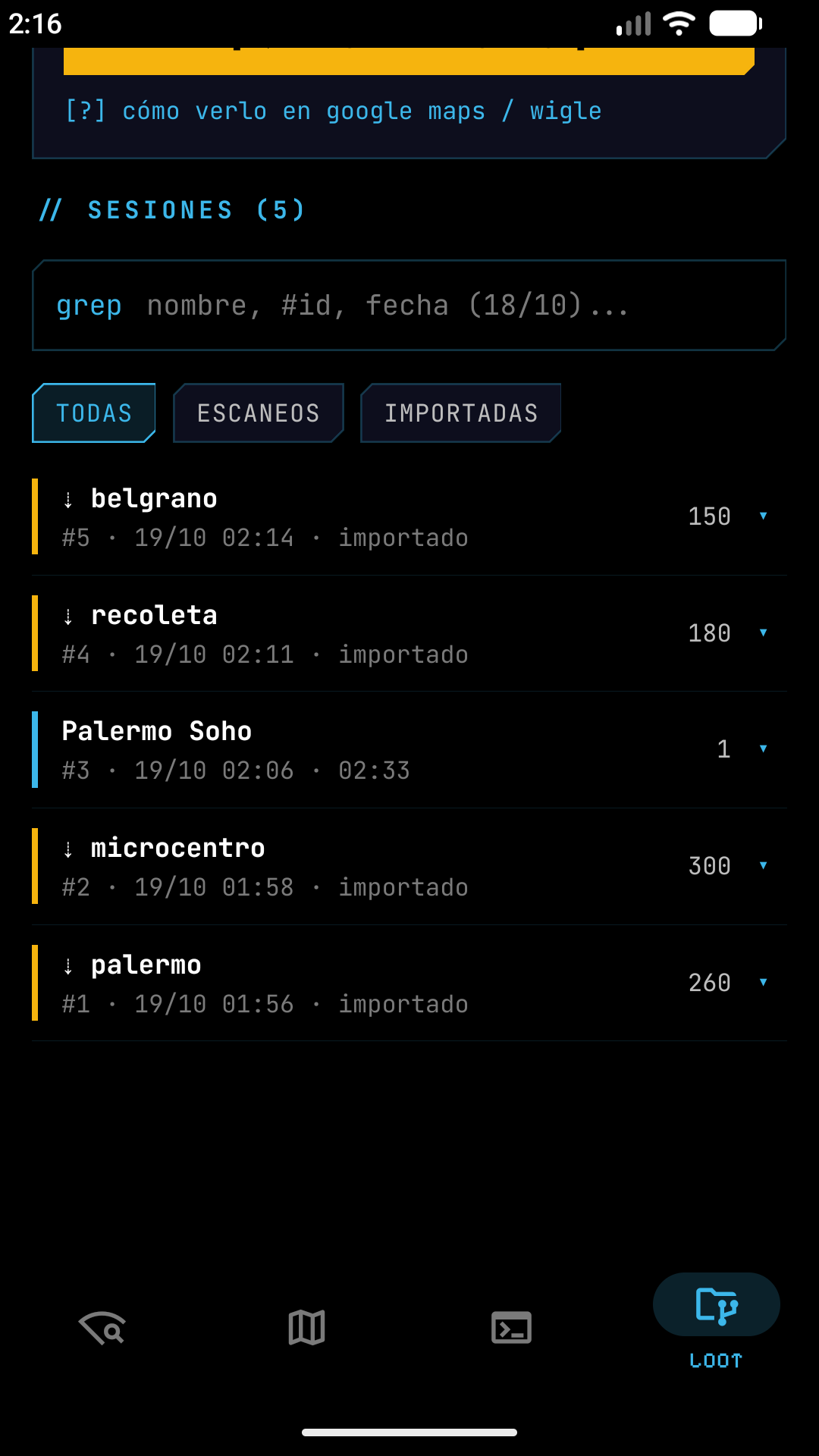
One KML per session and a global KML with a single entry per BSSID.
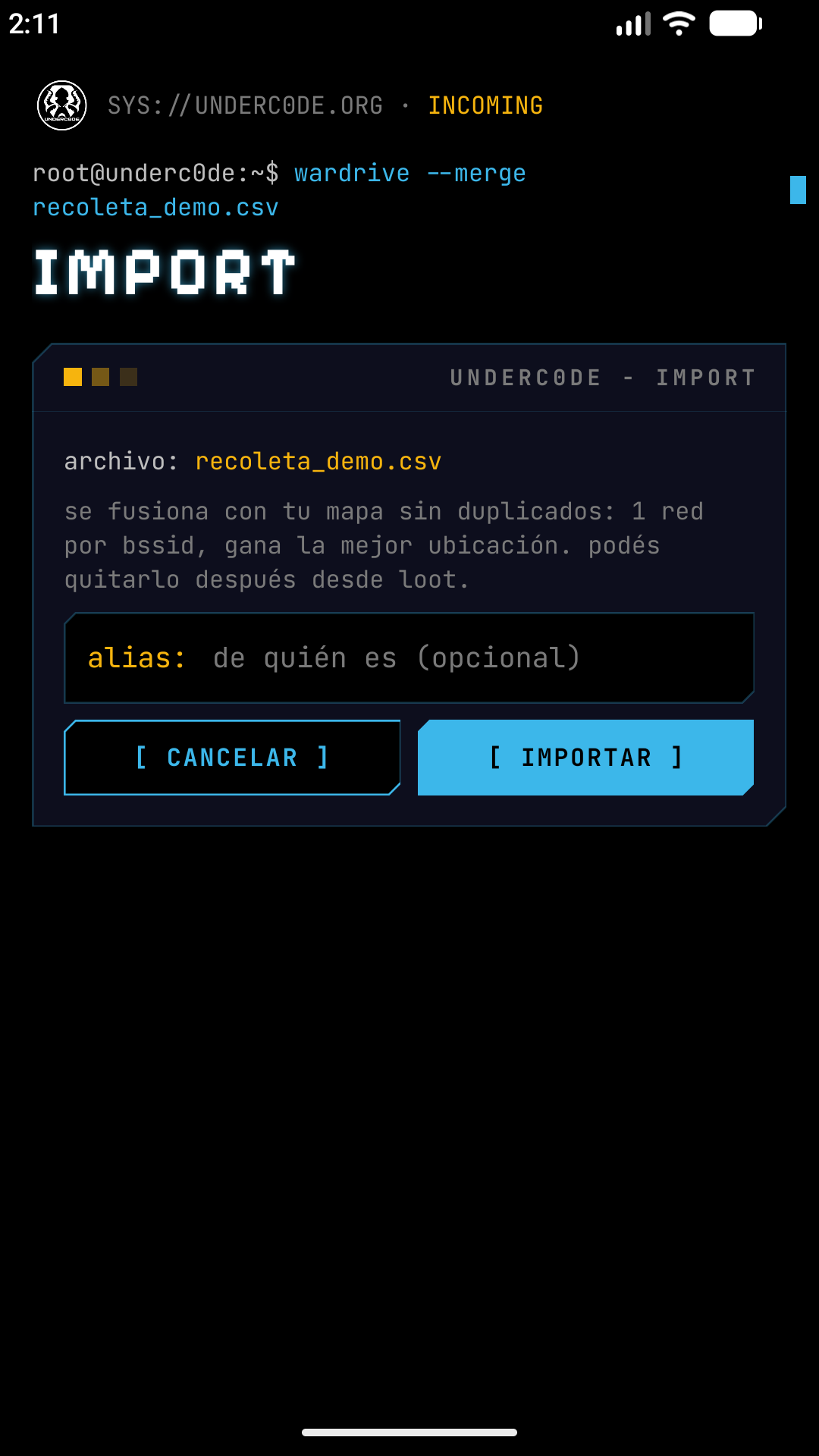
Import WiGLE KML or CSV, even from messaging apps like WhatsApp or Telegram, without repeating networks.
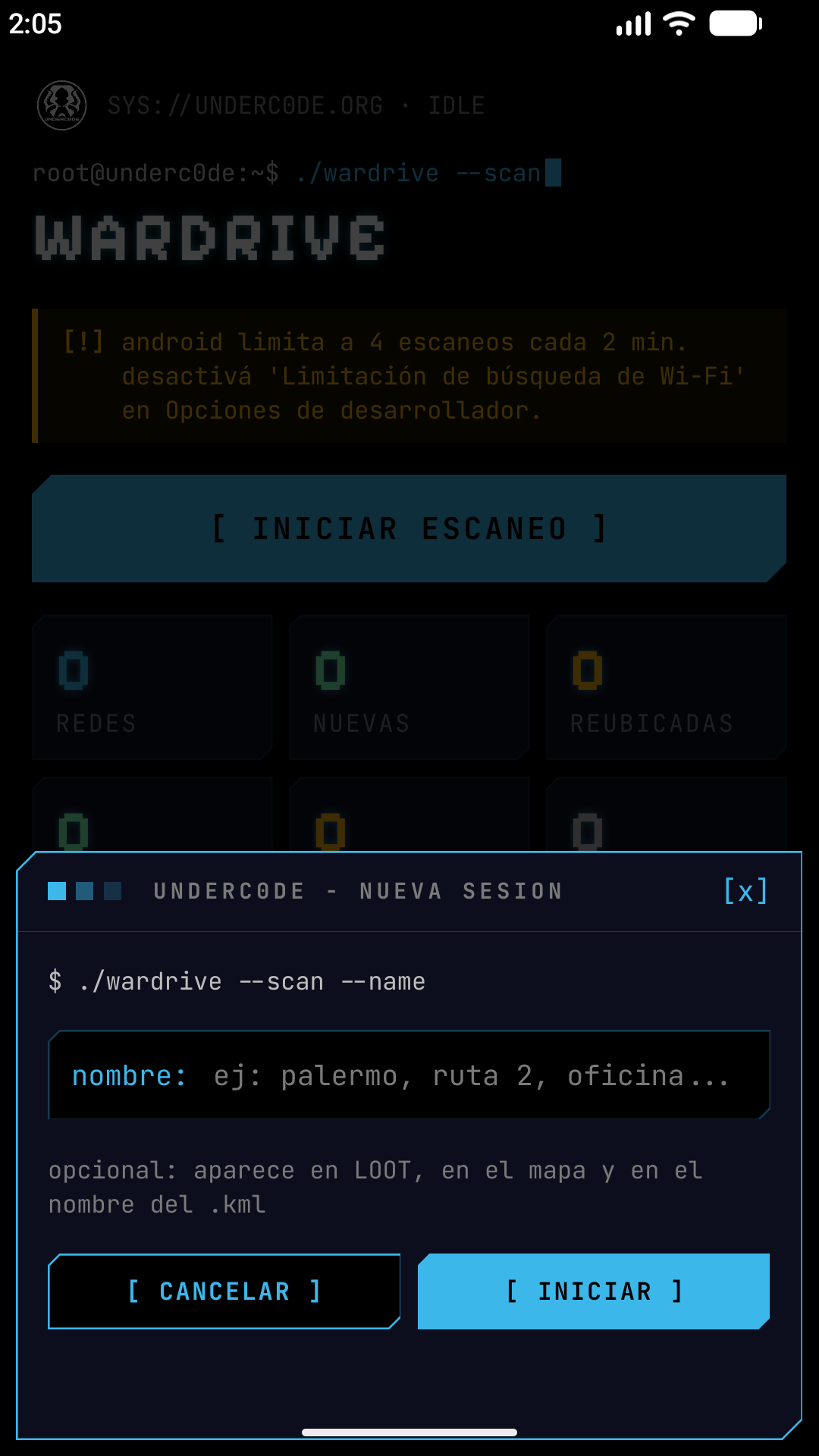
Name, pause and resume your sessions, and search among many when you need to.
ls screenshots/
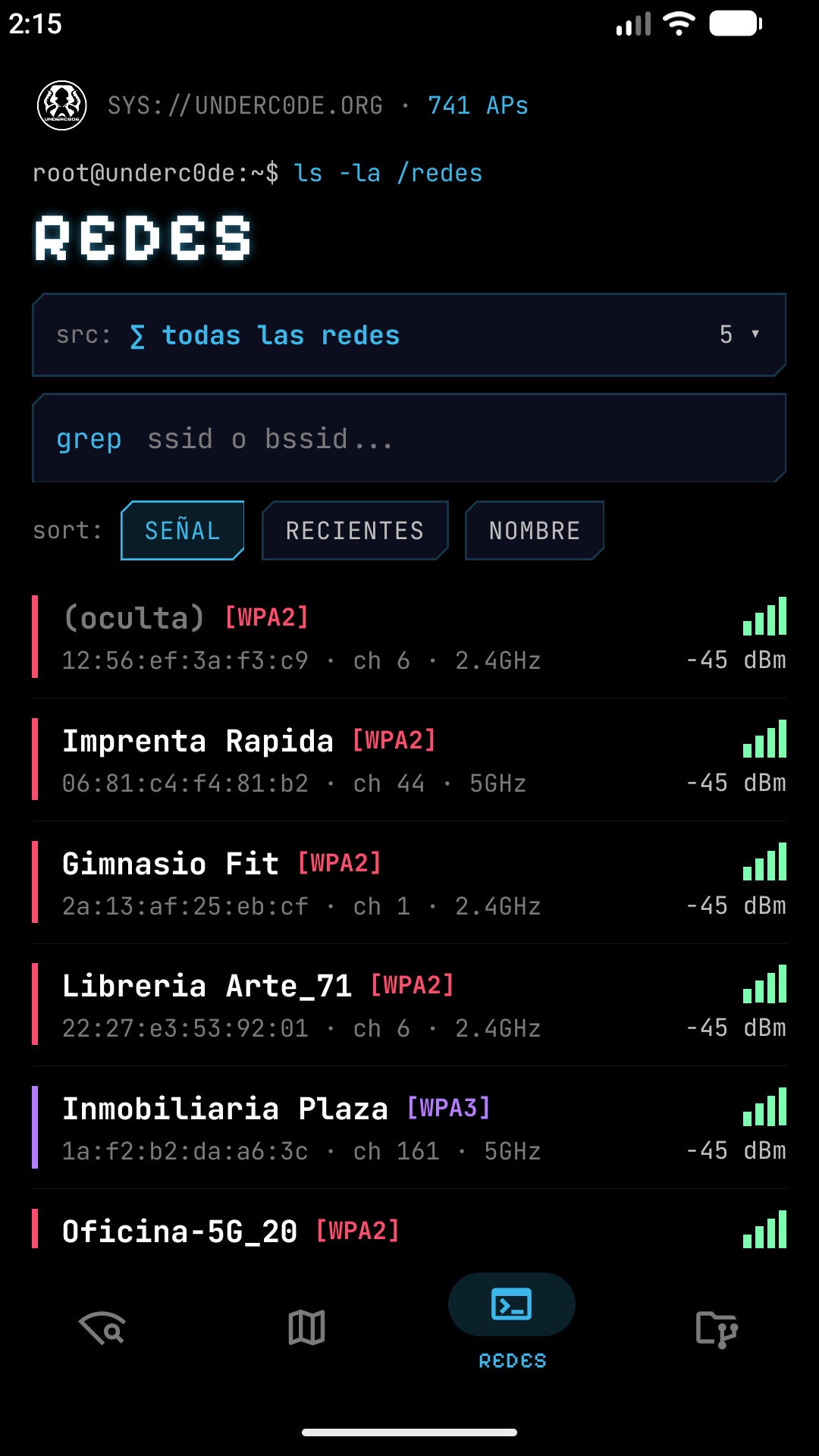
Dark mode with Underc0de’s identity. Tap any screenshot to view it large and move with the arrows. The networks shown are demo data.
man wardrive
Give it a name (for example, the neighborhood) and keep the screen on while it scans.
Each network appears with its security color and is relocated as you get closer.
When you stop, the session KML is generated and the full KML is updated.
Upload it to Google My Maps, export CSV for WiGLE or share it with friends to merge.
tail -f wardrive.log
While you scan, Wardrive-UC keeps a live log: every new network, every relocation by best signal and the session status. Networks on the map are colored by their encryption.
$ tail -f wardrive.log
[19:41:02] session "downtown" started
[19:41:07] + net  Fibertel-2.4  WPA2 ch 6 -58dBm
[19:41:07] + net  Movistar_AX  WPA3 ch 36 -61dBm
[19:41:19] ~ relocated  Fibertel-2.4  -52dBm
[19:41:40] + net  Cafe_Libre  Open ch 1 -70dBm
[19:42:15] session paused · 37 networks
$
ls formats/
No proprietary formats: what you capture is yours and you can take it anywhere.
One KML per session and a full one. Import it into Google My Maps or open it in Google Earth to see all your networks on a map.
Export in WiGLE’s standard format to add your captures or cross-reference them with the community’s.
The data never leaves your phone unless you export a file. No accounts, no cloud and no tracking.
adb install wardrive-uc.apk
Free for Android 7 or higher. Scanning requires Android, because iOS does not allow reading the surrounding networks. Get it on Google Play or download the latest APK from GitHub.
See the privacy policy of Wardrive-UC.
 wardrive-uc
cat faq.md
In most countries, detecting that a Wi-Fi network exists —its name, location and security type— is legal, because you only record information the network broadcasts publicly. What is illegal is connecting to or trying to access a network without authorization. Use Wardrive-UC ethically: coverage surveys, authorized audits, research and learning.
The app builds for iOS and lets you view the map and import or export files, but it does not scan networks: Apple does not expose the required API. Scanning only works on Android.
Android limits Wi-Fi scans (4 every 2 minutes) to save battery, so the default interval is conservative. If you turn off “Wi-Fi scan throttling” in Developer options, you can scan every 5 seconds.
It stores each network’s public data (SSID, BSSID, channel, band, security and signal) together with its GPS location, all on your phone. There are no servers of our own: the data only leaves if you export a KML or CSV and share it.
Ask them to export their session as KML or CSV and share it with you (WhatsApp, Telegram, etc.). In the app, import it from the data source screen: it merges with your map without repeating networks, with a single entry per BSSID.
Yes. The code is on GitHub (underc0delabs/wardrive-uc), built with Expo, React Native and TypeScript, with a native Kotlin module. You can read it, build it and contribute.